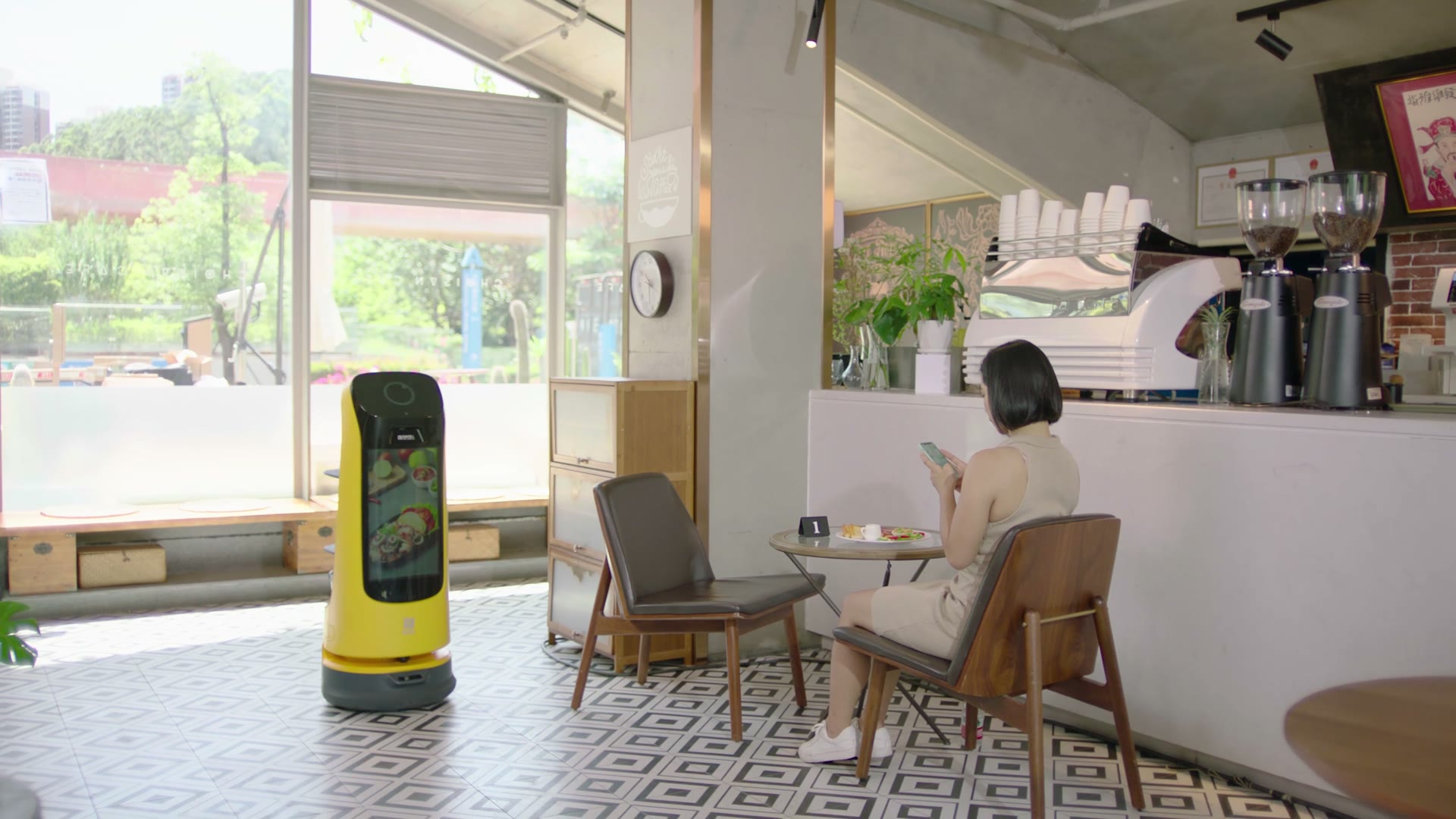
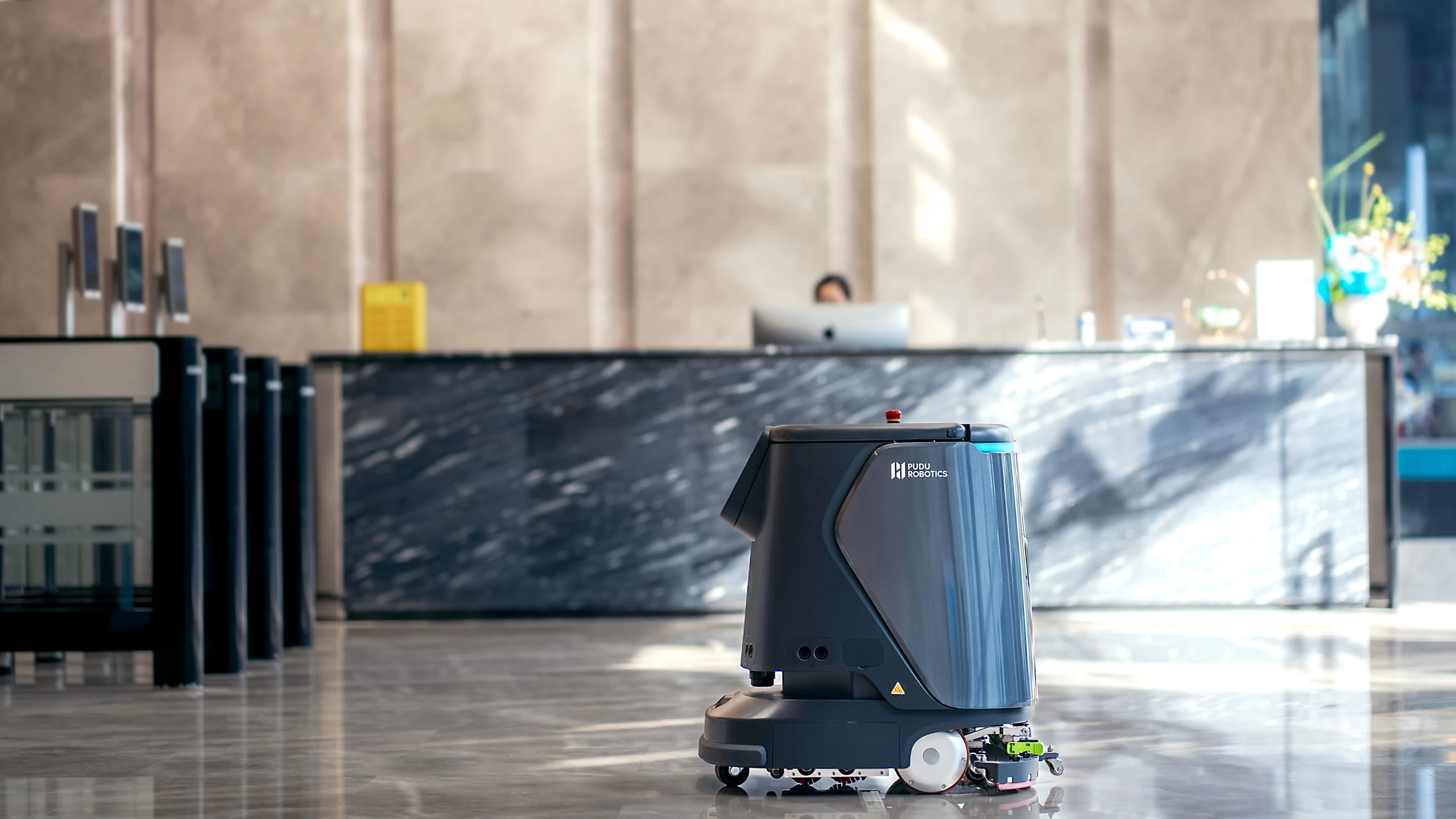
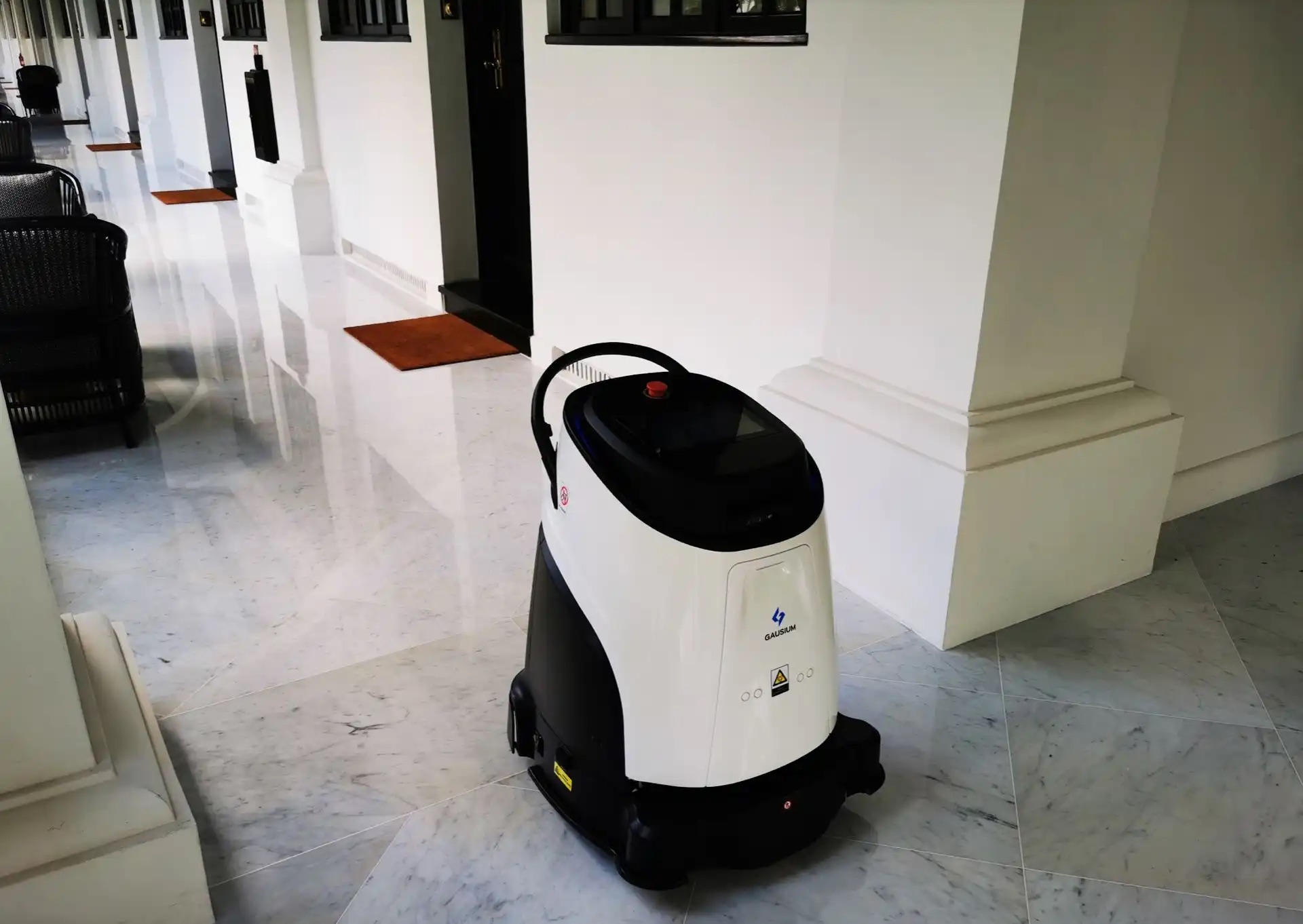
Multi-Floor Delivery Robots: How They Ride Elevators and Pass Gates
How robots call elevators and pass turnstiles, which Pudu models support it, and the questions to answer before a multi-floor rollout.
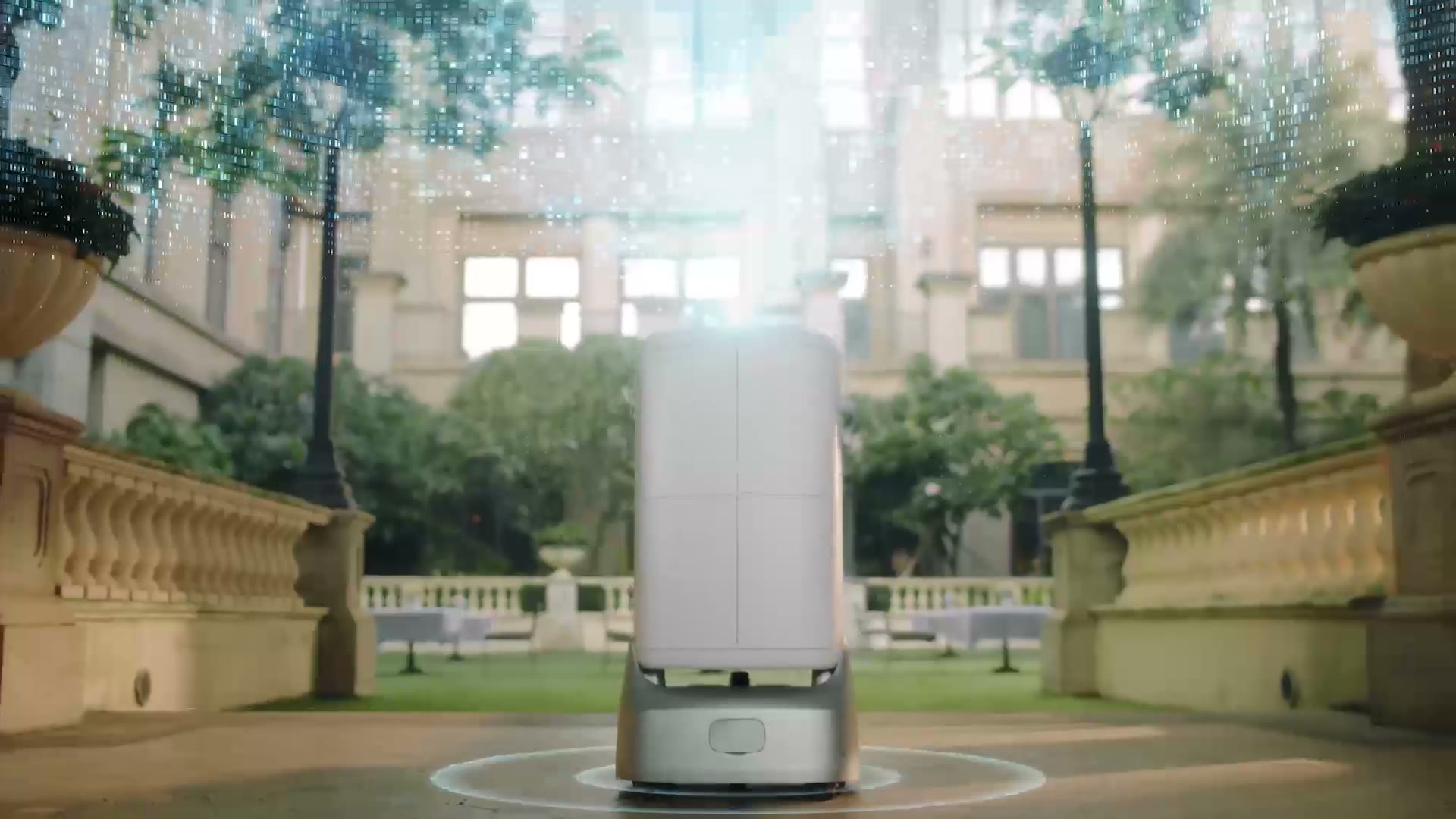
Multi-floor delivery robots ride elevators by talking to the building. The robot sends a call request to an elevator control system, waits for the car, rides to the right floor and continues its route, all without anyone pressing a button. In Canadian hotels, hospitals and office towers this turns a single-floor robot into a building-wide service. This guide explains how elevator and e-gate integration works on Pudu robots, which models support it, and what to plan before a multi-floor deployment.
How do delivery robots use elevators?
There are two common approaches, and Pudu supports both on FlashBot Max:
- Cloud elevator control. The robot and elevator communicate through the elevator manufacturer's cloud interface. Pudu's Cloud Elevator Control Solution needs no elevator modifications and is compatible with leading brands such as KONE and OTIS.
- Hardware elevator control. A small hardware module connects the robot system to the elevator. Pudu's self-developed Hardware Elevator Control Solution adapts to a wide range of building environments, which helps where a cloud interface is not available.
Once integration is in place, the robot calls the car, enters, selects the floor and exits on its own. The same communication approach lets FlashBot Max place automatic calls and pass turnstiles, which Pudu describes as full-scope IoT integration.
What about gates, turnstiles and secure doors?
Offices, hospitals and industrial sites often have access-controlled gates between zones. Several Pudu robots support gate integration:
- FlashBot Max handles turnstile access as part of its building IoT integration.
- T300 supports elevator access, gate/turnstile integration and remote call functions, with E-gate Control and Elevator Control listed among its IoT features.
- BellaBot Pro lists Autonomous Gate Passage alongside pager, 4G watch calling and PUDU Link management.
Gate integration is planned site by site, because every access-control system is different. That is where a local integration team makes the difference.
Which Pudu robots are built for multi-floor buildings?
FlashBot Max: hotels, residences and offices
FlashBot Max is Pudu's building delivery robot. Its enclosed, modular compartments (2–4, adjustable) keep items private and secure, with password, phone number and NFC verification so only the right person opens the right compartment. A continuous ventilation fan keeps compartments fresh. It carries 10 kg per layer, runs for 9 hours and charges in 4 hours.
It is also designed for the realities of real buildings: a 60 cm path clearance for narrow corridors and diverse elevator environments, multi-sensor 3D obstacle avoidance for low and overhanging obstacles, and rapid multi-floor map replication so each floor does not have to be mapped from scratch. PUDU VSLAM+ lets it move between indoor corridors and semi-open areas such as garden corridors, fitness zones and poolsides.
T300: industrial and high-load buildings
For factories, warehouses and large commercial sites spread over more than one level, PUDU T300 carries up to 300 kg and supports elevator access and gate integration. It offers auto-delivery, follow and power-assist modes, and attachments for shelf, lifting and towing work. Its LiDAR sensors, depth cameras, collision sensors and emergency stops are designed to meet ISO 3691-4 safety requirements.
HolaBot and PuduBot 2: calling robots where they are needed
On a single large floor, the challenge is often calling the robot rather than riding elevators. HolaBot works with an optional pager (IP65, 4G or Wi-Fi, 72 hours of standby) that supports NFC calling, touchscreen operation and arrival notifications. PuduBot 2 supports Pudu Watch, Pudu Pager and PUDU Link for one-click task assignment, and connects over Type-C, 4G, LoRa and Wi-Fi.
Which buildings benefit most from multi-floor robots?
Elevator integration adds planning work, so it pays off where deliveries regularly cross floors and staff currently make those trips by hand:
- Hotels and resorts. Room service, towels, amenities and guest deliveries go from the front desk or kitchen to guest floors, often late at night when fewer staff are on duty. Enclosed, verified compartments keep each delivery private.
- Hospitals and clinics. Supplies move between pharmacy, storage, labs and wards. Robots take routine, non-clinical trips away from nursing and support staff.
- Office towers and corporate campuses. Mailrooms, cafeterias and facility teams deliver documents, packages and catering between floors and through access-controlled zones.
- Multi-level industrial sites. Materials move between production floors, storage mezzanines and shipping areas, where a heavy-load robot like T300 fits.
If most of your deliveries stay on one floor, a single-floor robot with pager or app calling is usually the simpler starting point. You can add elevator integration later as routes grow.
How do you manage several robots across floors?
Most multi-floor buildings run more than one robot. Pudu's tools help a fleet work as a team:
- PUDU Link and the remote operations platform show each robot's location and status in real time, allow remote deployment and maintenance, and present operating data.
- Multi-robot scheduling on FlashBot Max allocates tasks across robots and handles intelligent avoidance in crowded areas.
- Auto power charging sends a robot to its charging station when its battery is low, so it is ready for the next request.
What should you plan before a multi-floor deployment?
Elevator projects go smoothly when the right questions are answered early. These are the questions we work through with property managers, hotel operators and hospital facility teams:
- Who maintains your elevators? Identify the elevator brand and service company, and whether a cloud interface is available or a hardware module is the better route.
- What network will the robots use? Check Wi-Fi coverage in corridors, lobbies and inside elevator cars, and whether 4G is a better fit for pagers or watches.
- Which doors and gates are on the route? List every turnstile, secure door and access-control system the robot must pass.
- How will security work? Decide who can send and open compartments, and use compartment verification (password, phone number or NFC) for sensitive items.
- What are the routes and peak times? Map lobbies, service corridors and back-of-house routes, and plan around busy elevator periods.
- Where will robots charge and wait? Choose charging spots that keep corridors clear and are close to the main pickup point.
- Who owns the robot day to day? Name the staff who will load, call and look after the robots, and plan their training.
How SPARC helps with elevator and gate integration in Canada
SPARC Technologies is the official distributor for Pudu in Canada, with locally based teams in the Greater Toronto Area, Montreal, Ottawa, Calgary, Edmonton, Saskatoon, Regina, St. John's and British Columbia. We assess the building, coordinate with your elevator and access-control providers, map each floor, and train your team. After go-live, customers get 24-hour online assistance, a guaranteed 48-hour on-site response and an in-house engineering team.
If you are planning robots for a hotel tower, hospital or multi-storey office in Toronto or anywhere in Canada, start with our elevator robot solutions or book a session with our robotic consulting team. You can also contact us directly to arrange a site visit.